
Generative Video
Use MiniMax to explore AI video-making: from story development, to video generation, to editing. Students interested in exploring creative storytelling through AI tools and digital media.
Who is this lesson for? Students interested in exploring creative storytelling through AI tools and digital media.
Units

-
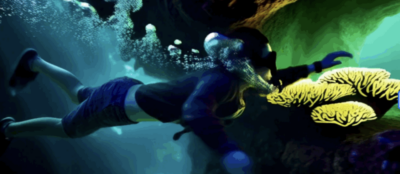
Unit 1
Intro to Generative Video
Students will create their first short generative video using Hailuo AI, learning how prompts shape AI-generated visuals.
By the end of the lesson, students will be able to:
- Write a unique video idea as a prompt
- Use Hailuo AI to generate an image
- Convert that image into a short generative video
-
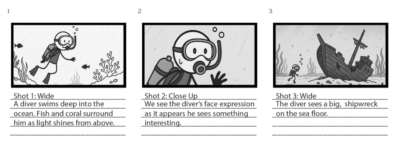
Unit 2
Story Development & Pre-Production Planning
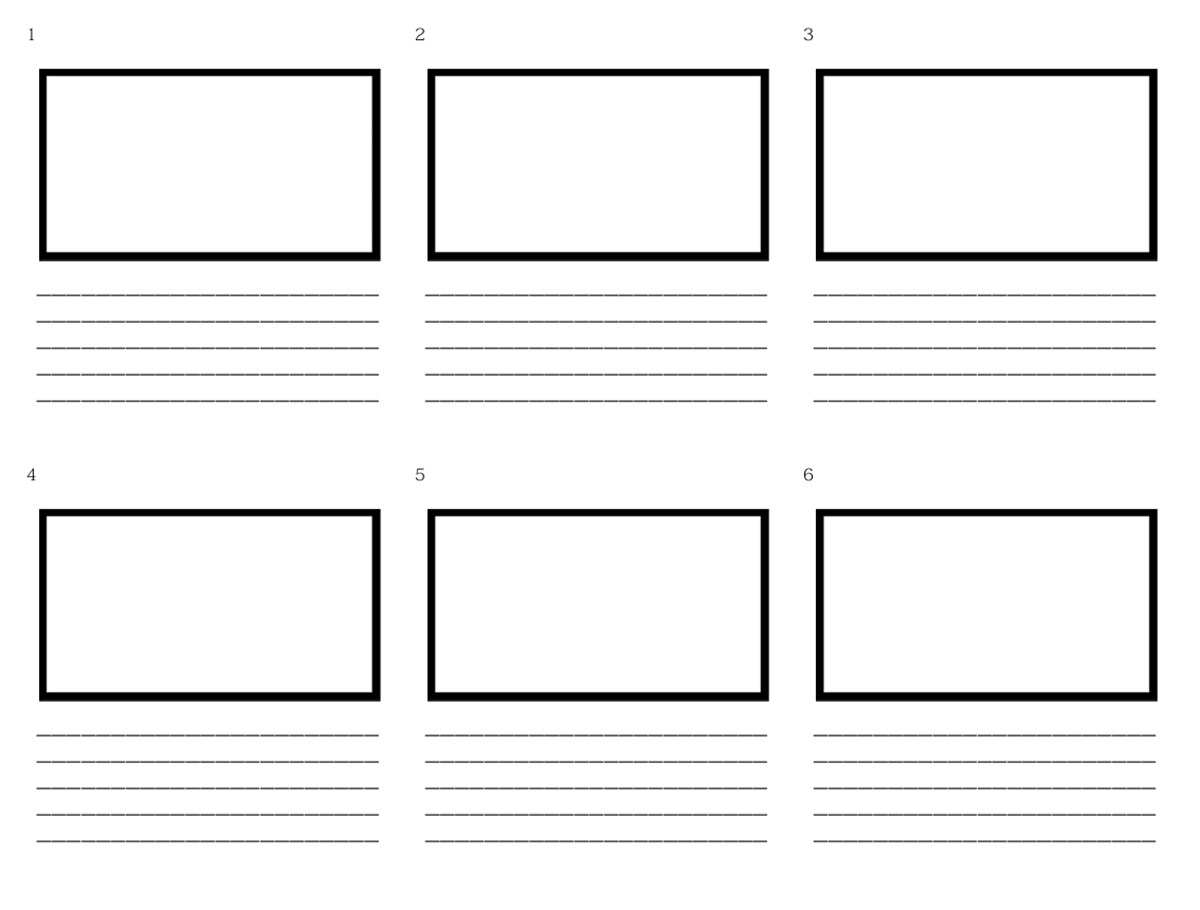
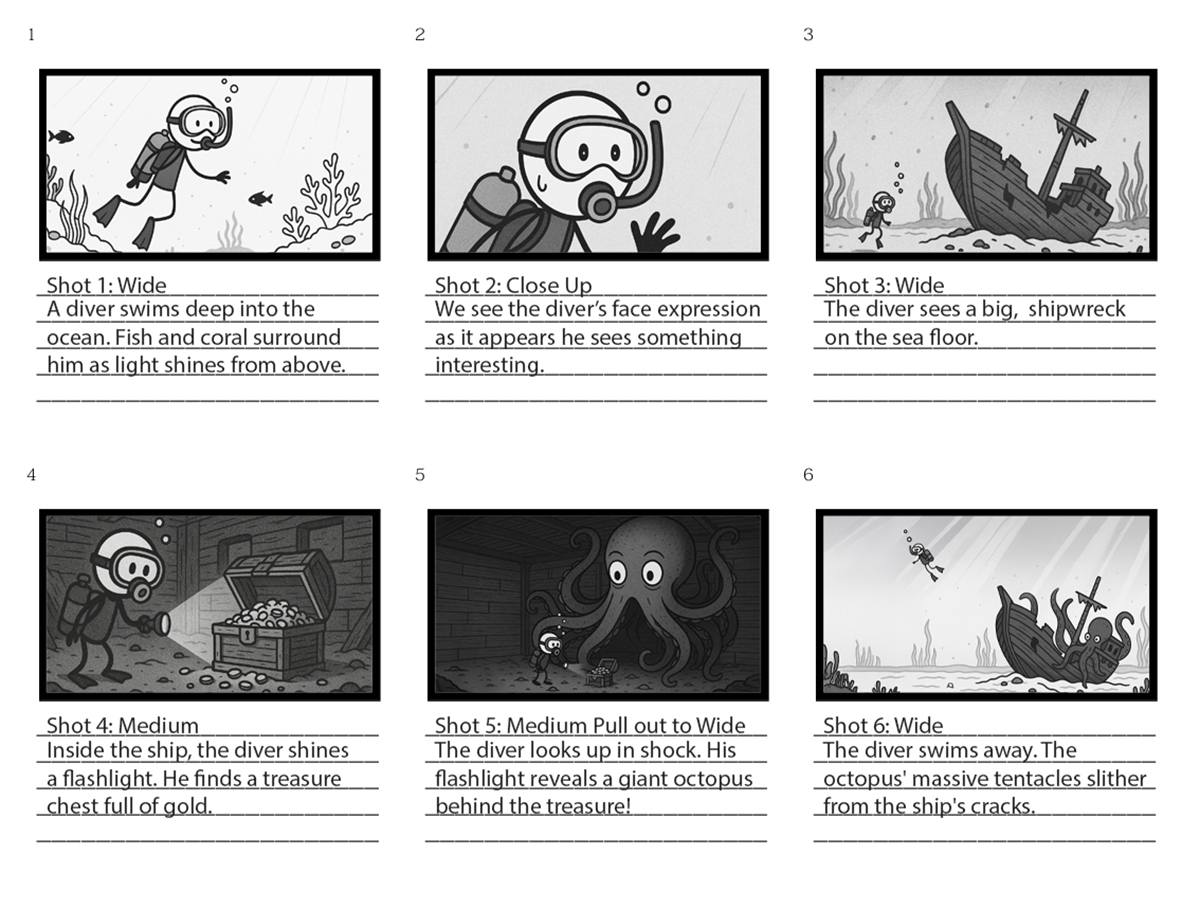
Students will write a short 6-shot script and create a visual storyboard using three-part story structure.
By the end of the lesson, students will be able to:
- Write a 6-shot script (2 shots per story part)
- Identify appropriate shot types for each scene
- Create a storyboard digitally or on paper
- Combine prompts and visual references for each shot
-

Unit 3
Video Generation & Post-Production
Students will turn their scripts and storyboards into short generative films using Hailuo AI and edit them in WeVideo.
By the end of the lesson, students will be able to:
- Generate footage for each storyboarded shot using Hailuo AI
- Download and import footage into WeVideo
- Add sound design and edit the full short film
- Export and present the final project
Facilitation Guide
Sample Projects

Related Courses
Unit 1
Intro to Generative Video
Students will create their first short generative video using Hailuo AI, learning how prompts shape AI-generated visuals.
By the end of the lesson, students will be able to:
- Write a unique video idea as a prompt
- Use Hailuo AI to generate an image
- Convert that image into a short generative video
Downloads
Facilitation Guide
Generative Video Facilitation Guide Unit 2
Story Development & Pre-Production Planning
Students will write a short 6-shot script and create a visual storyboard using three-part story structure.
By the end of the lesson, students will be able to:
- Write a 6-shot script (2 shots per story part)
- Identify appropriate shot types for each scene
- Create a storyboard digitally or on paper
- Combine prompts and visual references for each shot
Downloads
Facilitation Guide
Generative Video Facilitation Guide Unit 3
Video Generation & Post-Production
Students will turn their scripts and storyboards into short generative films using Hailuo AI and edit them in WeVideo.
By the end of the lesson, students will be able to:
- Generate footage for each storyboarded shot using Hailuo AI
- Download and import footage into WeVideo
- Add sound design and edit the full short film
- Export and present the final project