
Digital Art
Learn about digital art, storytelling, and creative self-expression using free web-based tools.
Who is this course for? Students interested in creating visual art and storytelling using digital tools.
Units

-
Unit 1
Intro to Digital Art & Collaging
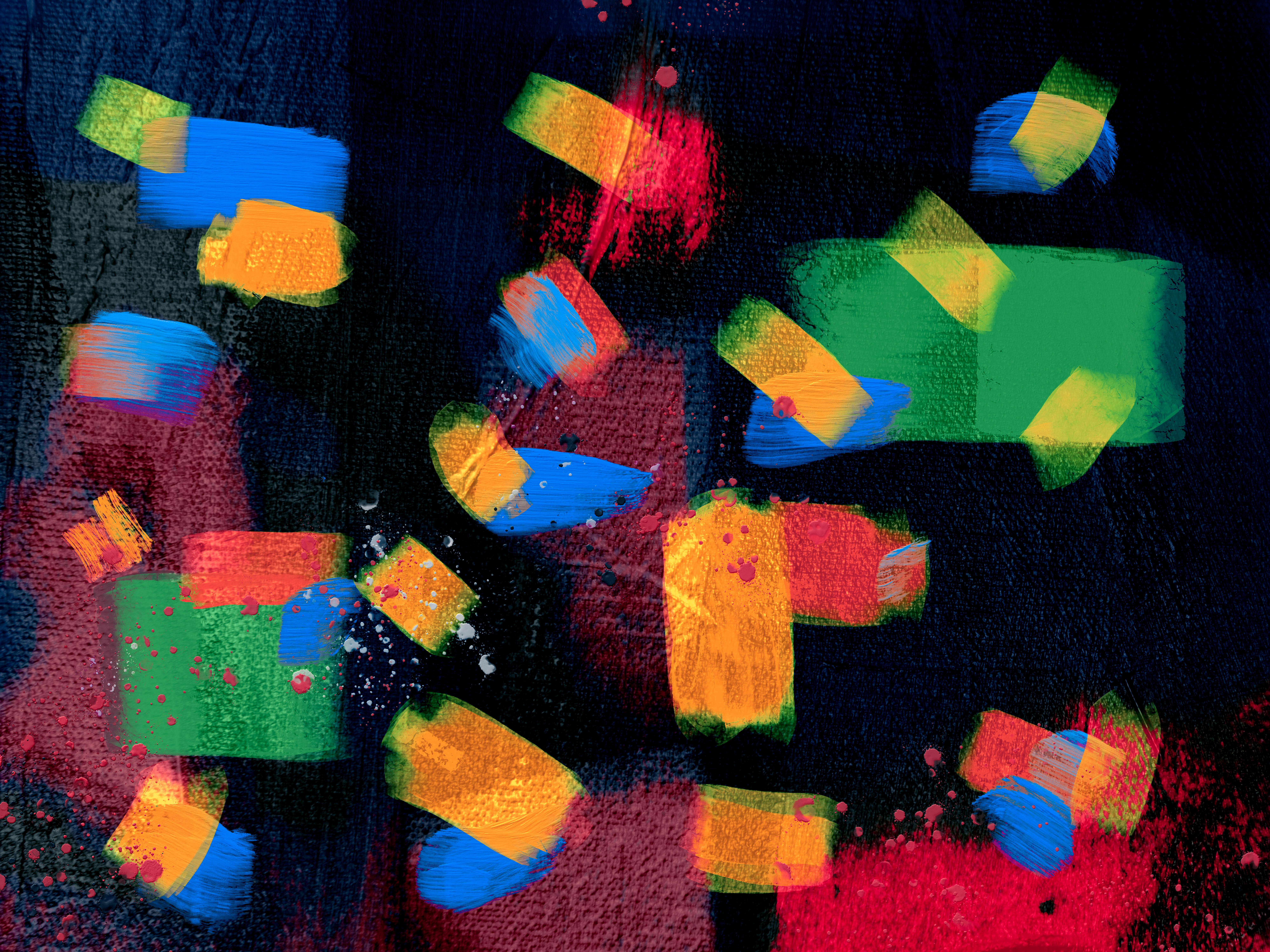
Students will learn what digital art is from everyday examples, exploring basic tools (e.g. moving, resizing, layering, and transparency), and creating and sharing a collage that introduces who they are.
By the end of this unit, students will be able to:
- Learn what digital art is and see examples around us.
- Explore basic tools like moving, resizing, layering, and transparency.
- Create a collage that introduces who you are and your interests.
- Share one part of your collage with the group.
-

Unit 2
Drawing Characters in Sketchpad
Students will learn how simple shapes are the foundation of drawing, practice facial expressions and personality cues, and create a character using Sketchpad drawing tool.
By the end of this unit, students will be able to:
- Learn how simple shapes are the foundation of drawing.
- Practice facial expressions and personality cues.
- Create either (A) you as a superhero or (B) fanart of your favorite character.
-

Unit 3
Painting Landscapes in Kleki
Students will color and compose original digital landscapes with brushes, layers, and color, using the drawing program, Kleki.
By the end of this unit, students will be able to:
- Focus on composition and color in landscapes
- Learn how to use a new drawing program called Kleki
- Create original digital landscapes using brushes, layers, and color
-
Unit 4
Storyboarding and Comic Strips
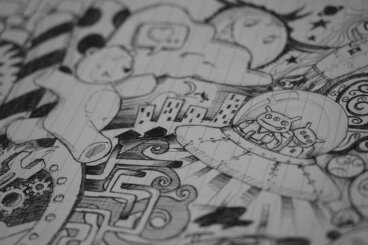
Students will learn narrative skills to add storytelling to their digital artwork by creating a comic strip with Sketchpad.
By the end of this unit, students will be able to:
- Learn the elements of a comic strip and how they tell a story
- Plan and storyboard an original story idea for a comic strip
- Create a finished 3-panel digital comic strip in Sketchpad
Facilitation Guide
Related Courses

Unit 1
Intro to Digital Art & Collaging
Students will learn what digital art is from everyday examples, exploring basic tools (e.g. moving, resizing, layering, and transparency), and creating and sharing a collage that introduces who they are.
By the end of this unit, students will be able to:
- Learn what digital art is and see examples around us.
- Explore basic tools like moving, resizing, layering, and transparency.
- Create a collage that introduces who you are and your interests.
- Share one part of your collage with the group.
Downloads
Facilitation Guide
Digital Art Facilitation Guide Unit 2
Drawing Characters in Sketchpad
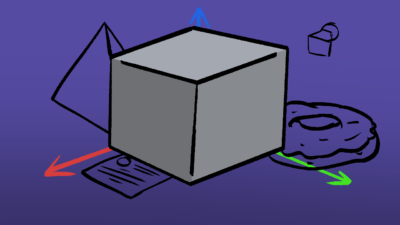
Students will learn how simple shapes are the foundation of drawing, practice facial expressions and personality cues, and create a character using Sketchpad drawing tool.
By the end of this unit, students will be able to:
- Learn how simple shapes are the foundation of drawing.
- Practice facial expressions and personality cues.
- Create either (A) you as a superhero or (B) fanart of your favorite character.
Downloads
Facilitation Guide
Digital Art Facilitation Guide Unit 3
Painting Landscapes in Kleki
Students will color and compose original digital landscapes with brushes, layers, and color, using the drawing program, Kleki.
By the end of this unit, students will be able to:
- Focus on composition and color in landscapes
- Learn how to use a new drawing program called Kleki
- Create original digital landscapes using brushes, layers, and color
Downloads
Facilitation Guide
Digital Art Facilitation Guide Unit 4
Storyboarding and Comic Strips
Students will learn narrative skills to add storytelling to their digital artwork by creating a comic strip with Sketchpad.
By the end of this unit, students will be able to:
- Learn the elements of a comic strip and how they tell a story
- Plan and storyboard an original story idea for a comic strip
- Create a finished 3-panel digital comic strip in Sketchpad