Explore our new free teacher resource library with tech lessons that integrate social-emotional learning. Check out LEV →

LEV by Tech Unlimited

Back
  • Home
  • Library
  • Studio
  • Continuing Education
  • Events
  • About
  • Tech Unlimited
  • Search
  • Newsletter Signup
  • Privacy Policy
Copyright © Tech Unlimited 2026
Home » Courses
Digital Art & Graphic Design Photo

Photo Editing

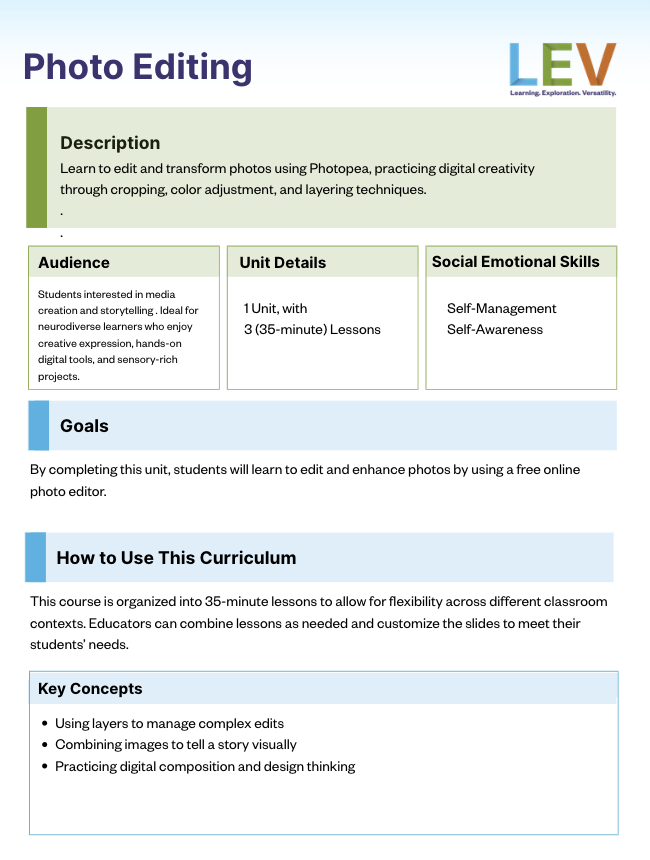
Learn to edit and transform photos using Photopea, practicing digital creativity through cropping, color adjustment, and layering techniques.

Who is this course for? Students interested in media creation and storytelling . Ideal for neurodiverse learners who enjoy creative expression, hands-on digital tools, and sensory-rich projects.

Course Length
  • 1 Units, with 3 (35-minute) Lessons
Social Emotional Learning Skills
  • Self-awareness
  • Self-management
Required Skills
  • Basic computer skills (navigating a browser, saving files, etc.)
  • Basic understanding of rhythm and sound (no prior music experience required)
  • Ability to follow guided steps
Materials/Tools Needed
  • A computer (Mac, Windows, or Chromebook) with internet or WiFi.
  • Photopea: free browser-based photo editing tool
  • unsplash – free site for high-quality images
  • pixabay – a free image site
Table of Contents
  • Overview
  • Units
  • Facilitation Guide
  • Related Courses

Units

  • Unit 1

    Photo Editing

    Students will learn to edit and enhance photos by using a free online photo editor.

    By the end of this unit, students will be able to:

    • Navigate the Photopea interface
    • Learn editing techniques to delete image backgrounds
    • Combine different images together
    • Save your image and share

Facilitation Guide

Photo Editing Facilitation Guide

Related Courses

  • Responsible decision-making Self-management New

    Physical Computing

    Topic: Coding
  • Self-awareness Self-management Social awareness New

    Digital Art

    Topic: Digital Art & Graphic Design
  • Self-management Social awareness New

    Video Editing

    Topic: Video
Home » Courses » Photo Editing

Unit 1

Photo Editing

Students will learn to edit and enhance photos by using a free online photo editor.

By the end of this unit, students will be able to:

  • Navigate the Photopea interface
  • Learn editing techniques to delete image backgrounds
  • Combine different images together
  • Save your image and share

Downloads

Facilitation Guide

Photo Editing Facilitation Guide

Units

Lesson 1 Lesson 2 Lesson 3

Tech Unlimited is a 501(c)(3) non-profit organization. EIN: 46-2451747

About

  • Mission
  • Leadership
  • Team Members
  • FAQ
  • Contact

Programs

  • Tech Knowledge Workshops
  • Career Ladder Programs
  • Financial Assistance
  • See Calendar

Resources

  • News
  • Reports
  • Careers
  • Refund Policy
  • Consent Preferences

Newsletter

Sign Up to receive regular updates and announcements from Tech Unlimited.

Subscribe to Newsletter Donate

Copyright © Tech Unlimited 2026

  • Terms of Use